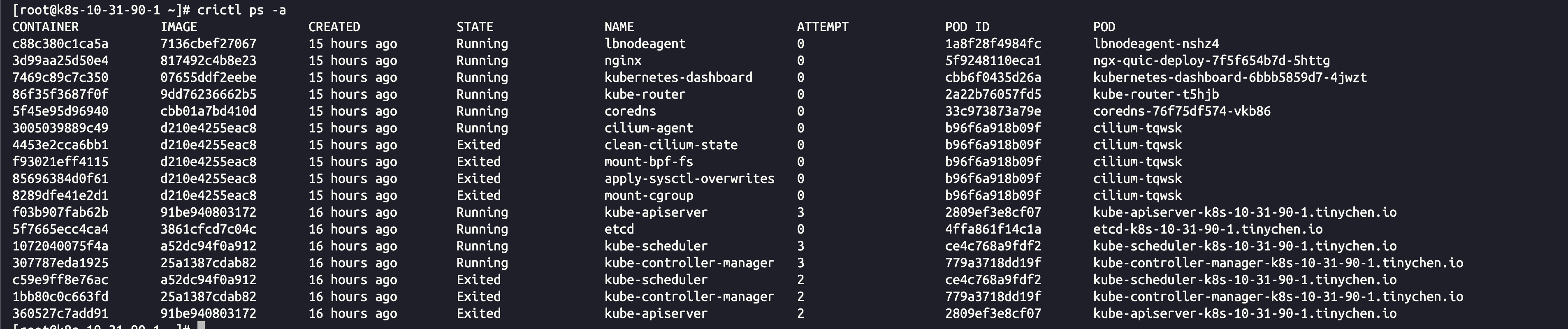
本文主要介绍如何为crictl配置默认的image-endpoint和runtime-endpoint的参数。
最近发现使用crictl查看容器状态的时候出现这个报错

[root@k8s-10-31-90-1 ~]# crictl ps -a
WARN[0000] runtime connect using default endpoints: [unix:///run/containerd/containerd.sock unix:///run/crio/crio.sock unix:///var/run/cri-dockerd.sock]. As the default settings are now deprecated, you should set the endpoint instead.
WARN[0000] image connect using default endpoints: [unix:///run/containerd/containerd.sock unix:///run/crio/crio.sock unix:///var/run/cri-dockerd.sock]. As the default settings are now deprecated, you should set the endpoint instead.
从上面的WARN信息我们可以看出应该是对应的某些配置过期了,需要我们手动指定默认配置。
先查看目前的集群状态,目前使用的是1.6.14版本的containerd和v1.30.1版本的K8S。
[root@k8s-10-31-90-1 ~]# kubectl get nodes -o wide
NAME                         STATUS   ROLES           AGE    VERSION   INTERNAL-IP   EXTERNAL-IP   OS-IMAGE                KERNEL-VERSION              CONTAINER-RUNTIME
k8s-10-31-90-1.tinychen.io   Ready    control-plane   492d   v1.30.1   10.31.90.1    <none>        CentOS Linux 7 (Core)   6.1.4-1.el7.elrepo.x86_64   containerd://1.6.14
k8s-10-31-90-2.tinychen.io   Ready    control-plane   492d   v1.30.1   10.31.90.2    <none>        CentOS Linux 7 (Core)   6.1.4-1.el7.elrepo.x86_64   containerd://1.6.14
k8s-10-31-90-3.tinychen.io   Ready    control-plane   492d   v1.30.1   10.31.90.3    <none>        CentOS Linux 7 (Core)   6.1.4-1.el7.elrepo.x86_64   containerd://1.6.14
k8s-10-31-90-4.tinychen.io   Ready    <none>          492d   v1.30.1   10.31.90.4    <none>        CentOS Linux 7 (Core)   6.1.4-1.el7.elrepo.x86_64   containerd://1.6.14
k8s-10-31-90-5.tinychen.io   Ready    <none>          492d   v1.30.1   10.31.90.5    <none>        CentOS Linux 7 (Core)   6.1.4-1.el7.elrepo.x86_64   containerd://1.6.14
k8s-10-31-90-6.tinychen.io   Ready    <none>          492d   v1.30.1   10.31.90.6    <none>        CentOS Linux 7 (Core)   6.1.4-1.el7.elrepo.x86_64   containerd://1.6.14
对应crictl的版本是v1.30.0
[root@k8s-10-31-90-1 ~]# crictl --version
crictl version v1.30.0
使用crictl查看相应的参数
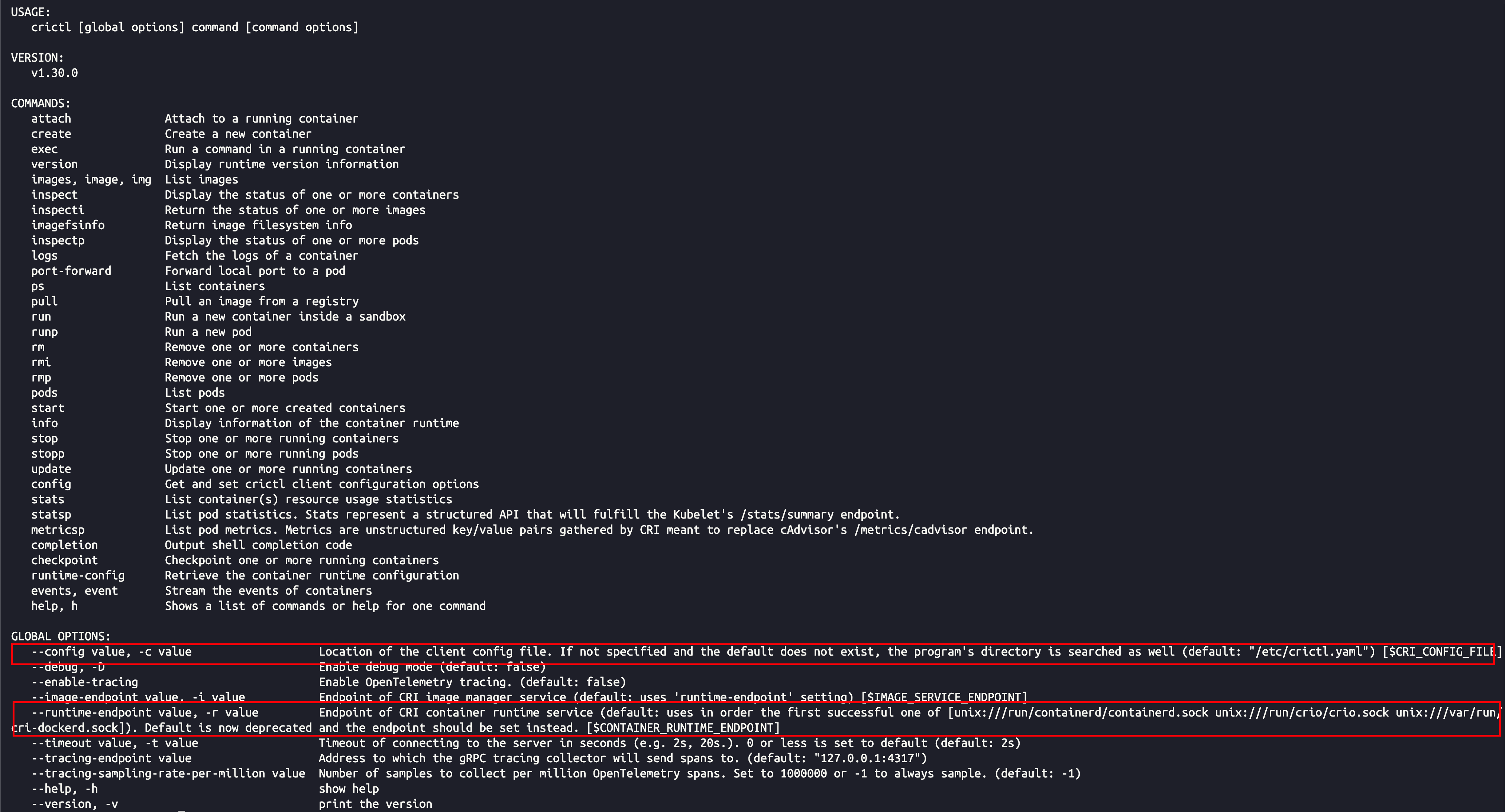
   --config value, -c value                   Location of the client config file. If not specified and the default does not exist, the program's directory is searched as well (default: "/etc/crictl.yaml") [$CRI_CONFIG_FILE]
   --image-endpoint value, -i value           Endpoint of CRI image manager service (default: uses 'runtime-endpoint' setting) [$IMAGE_SERVICE_ENDPOINT]
   --runtime-endpoint value, -r value         Endpoint of CRI container runtime service (default: uses in order the first successful one of [unix:///run/containerd/containerd.sock unix:///run/crio/crio.sock unix:///var/run/cri-dockerd.sock]). Default is now deprecated and the endpoint should be set instead. [$CONTAINER_RUNTIME_ENDPOINT]
这里我们可以看到crictl的配置文件默认是存放在/etc/crictl.yaml,image-endpoint和runtime-endpoint读取的参数配置是一样的,默认情况下都是依次读取unix:///run/containerd/containerd.sock 、unix:///run/crio/crio.sock、 unix:///var/run/cri-dockerd.sock这三个变量,但是看起来目前的新版本已经弃用了这个配置,并且建议我们自行配置。
当前containerd服务的endpoint接口可以通过systemd命令查看
systemctl status containerd.service

所以我们只需要指定访问默认的接口即可
[root@k8s-10-31-90-1 ~]# crictl config runtime-endpoint unix:///run/containerd/containerd.sock
[root@k8s-10-31-90-1 ~]# crictl config image-endpoint unix:///run/containerd/containerd.sock
[root@k8s-10-31-90-1 ~]# cat /etc/crictl.yaml
runtime-endpoint: "unix:///run/containerd/containerd.sock"
image-endpoint: "unix:///run/containerd/containerd.sock"
timeout: 0
debug: false
pull-image-on-create: false
disable-pull-on-run: false
最后warning信息消失